your brain is leaking. this catches the drips.
18MB of RAM. 6MB/day storage. screenshots every 10 min, keystrokes, OCR — all searchable. runs silent in the background until you desperately need it.
curl -fsSL https://raw.githubusercontent.com/Mahir-Isikli/memento/master/scripts/install-memento.sh | bash
your timeline
real screenshots from a real user (me lol). this is what memento captures.
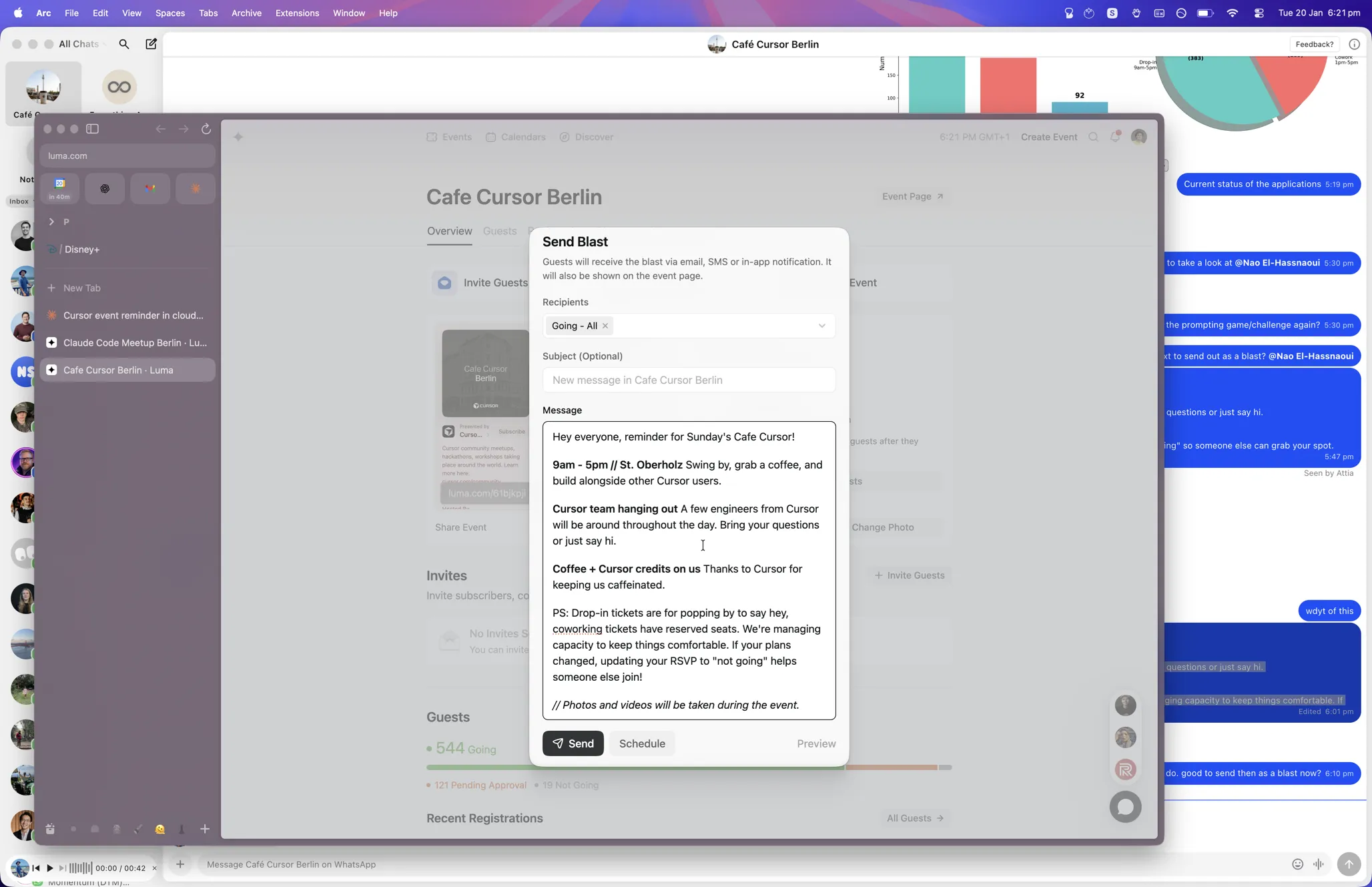
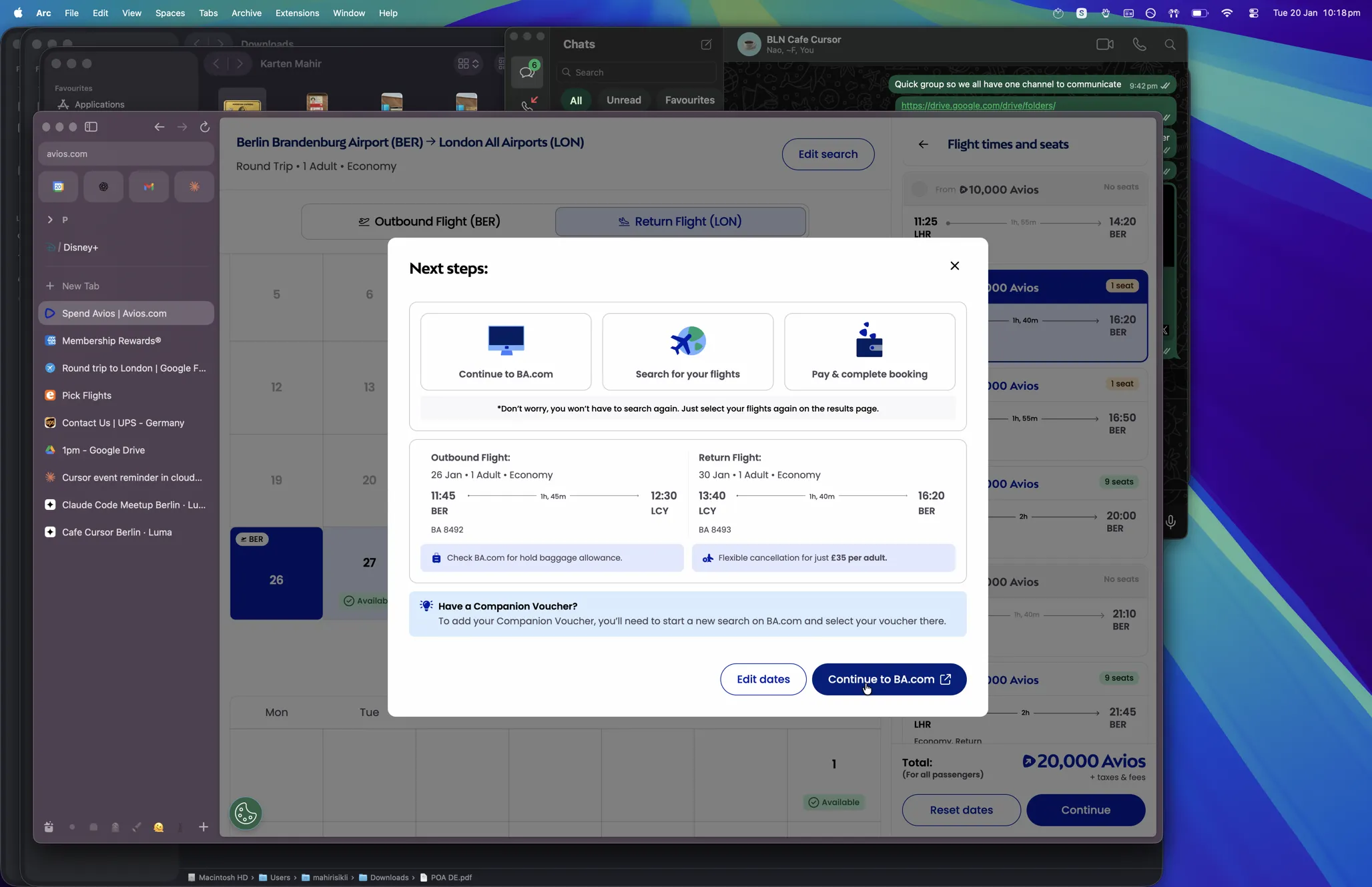
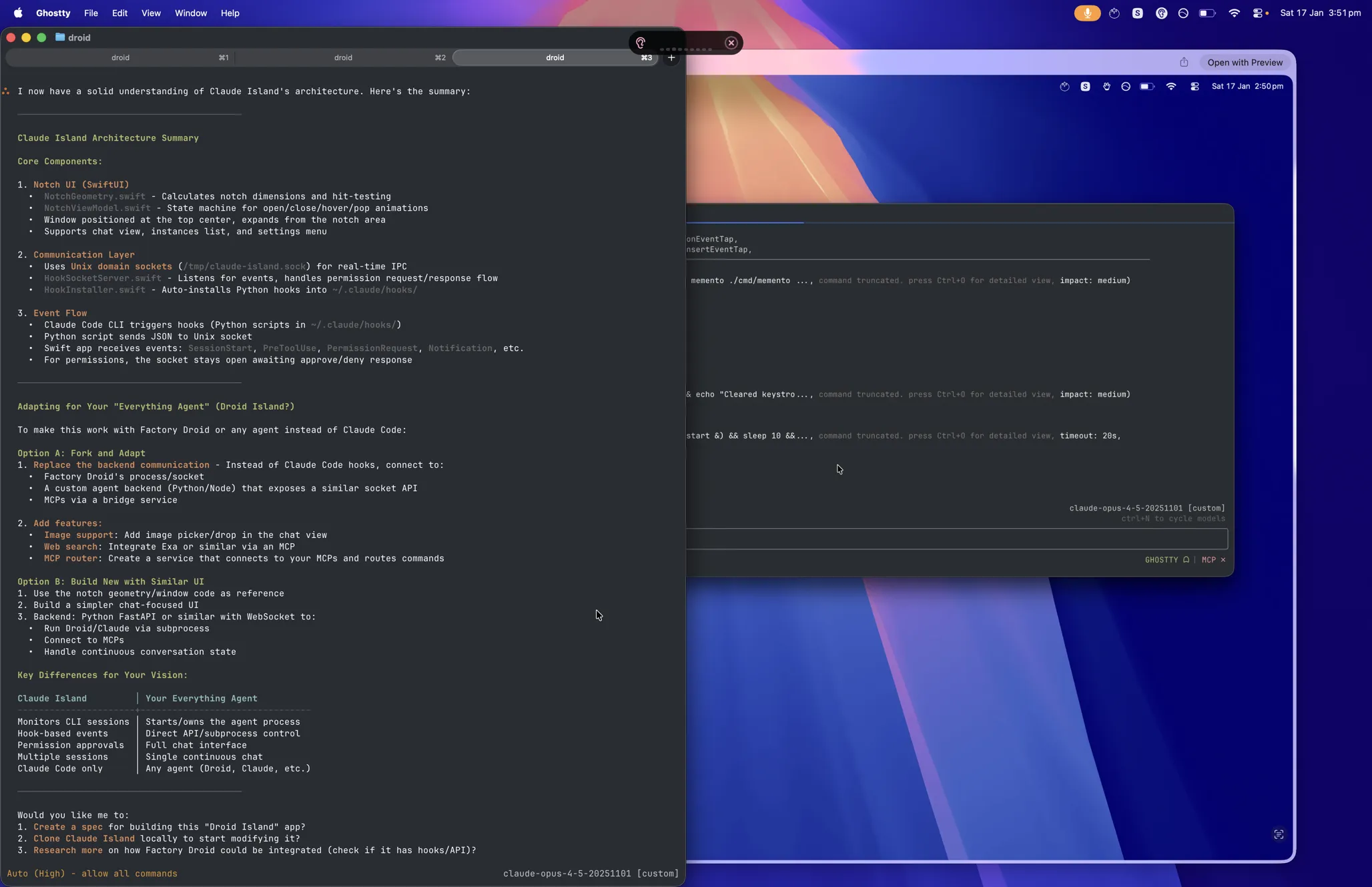
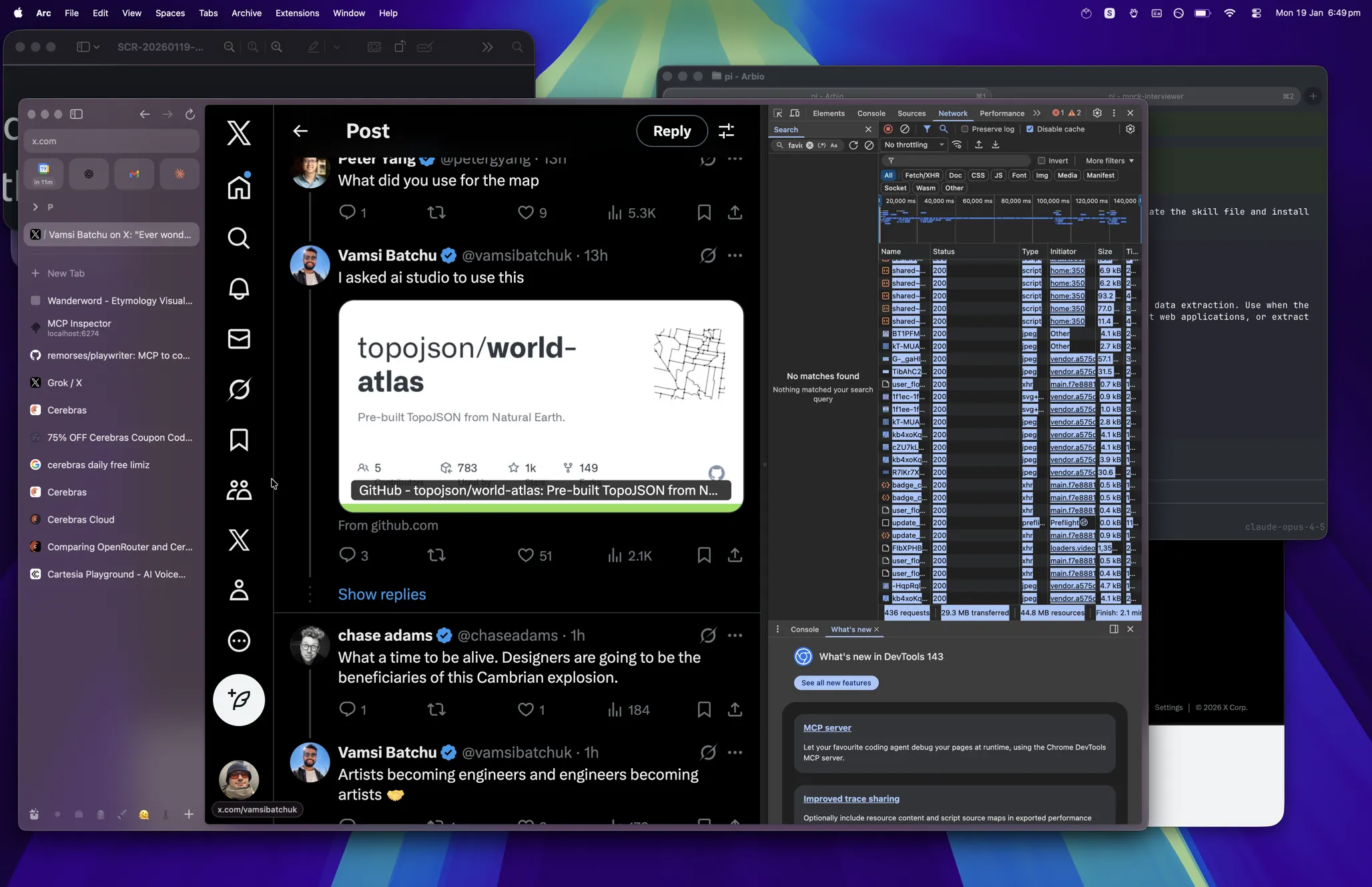
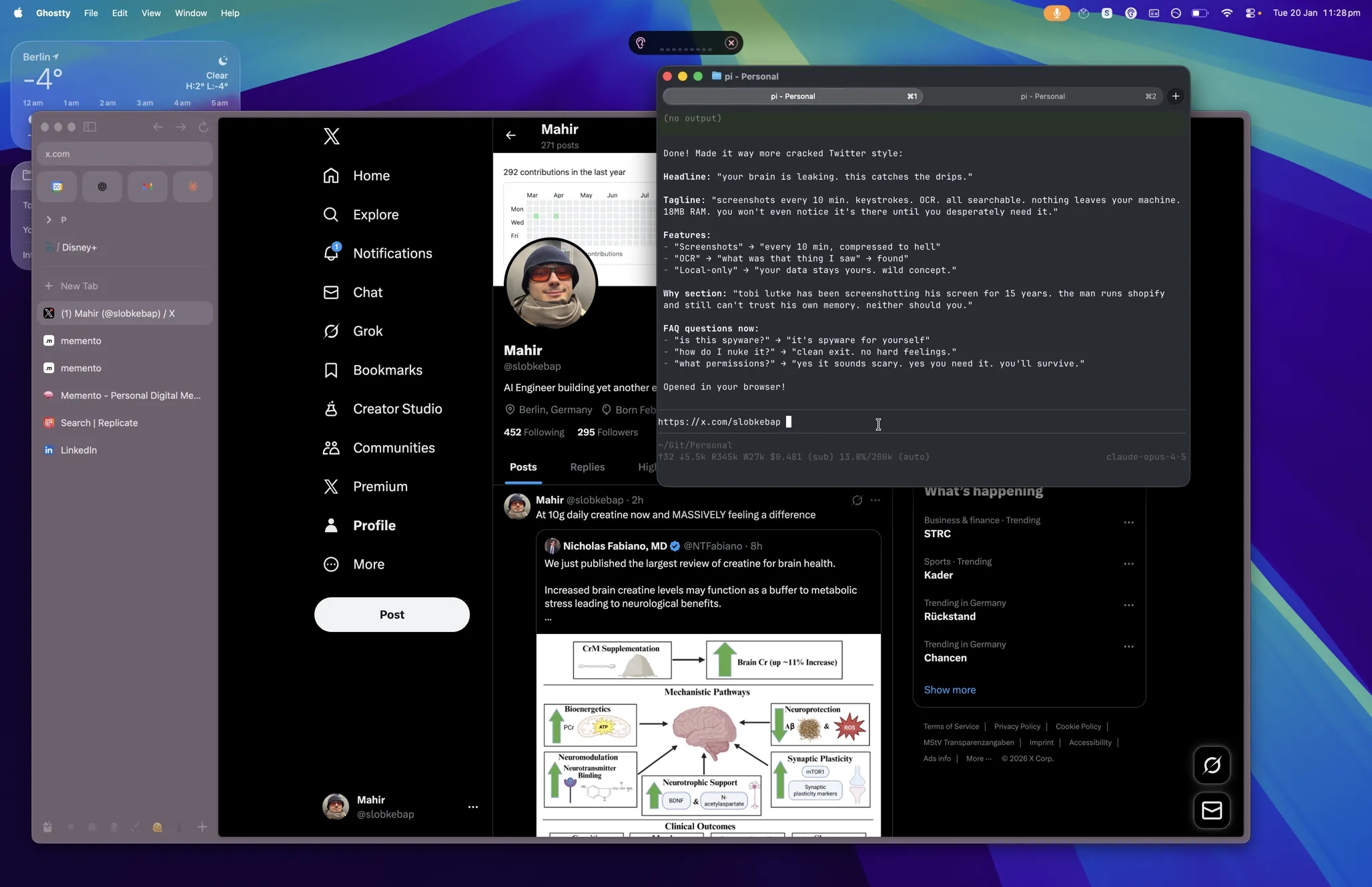
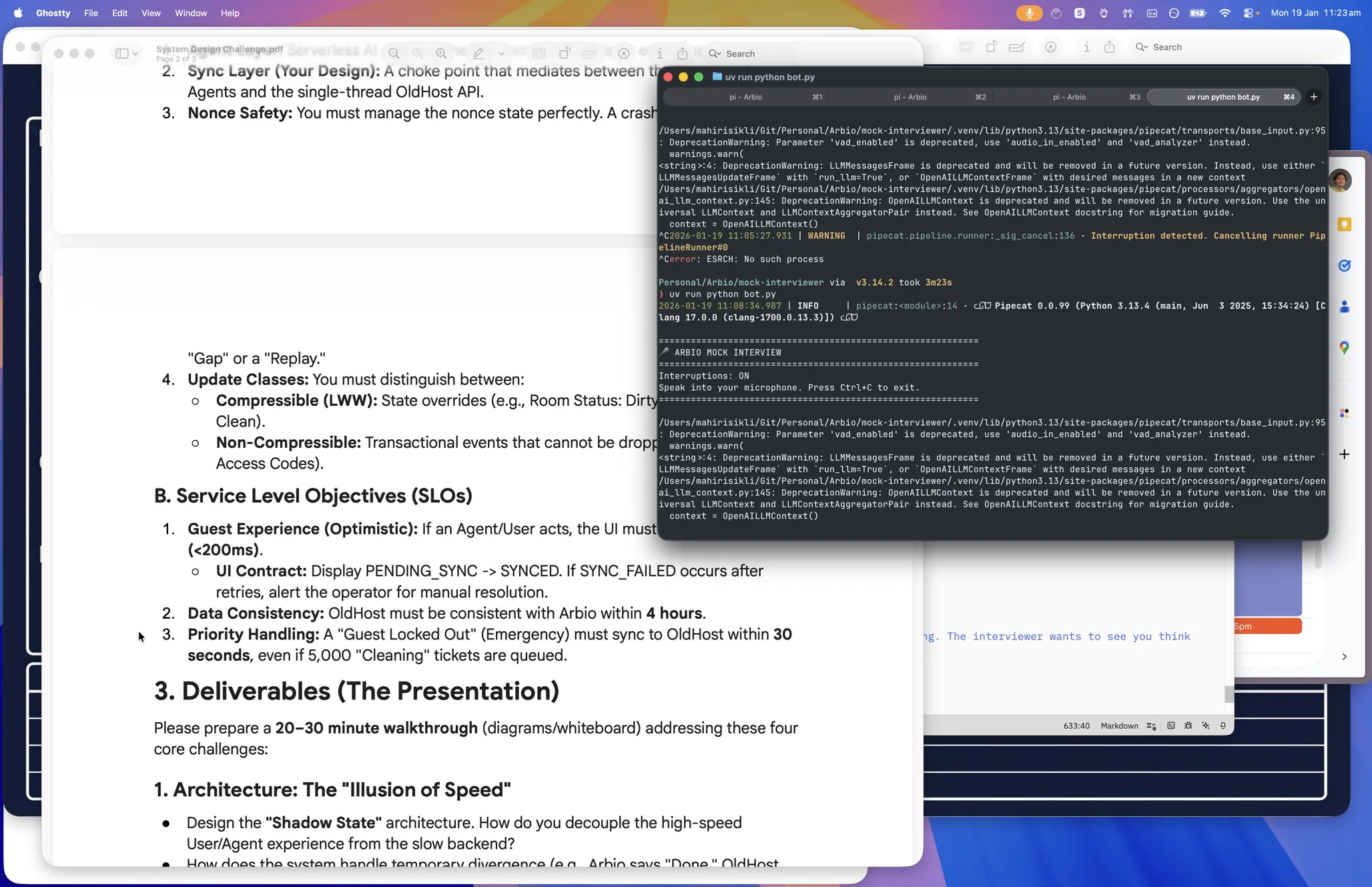
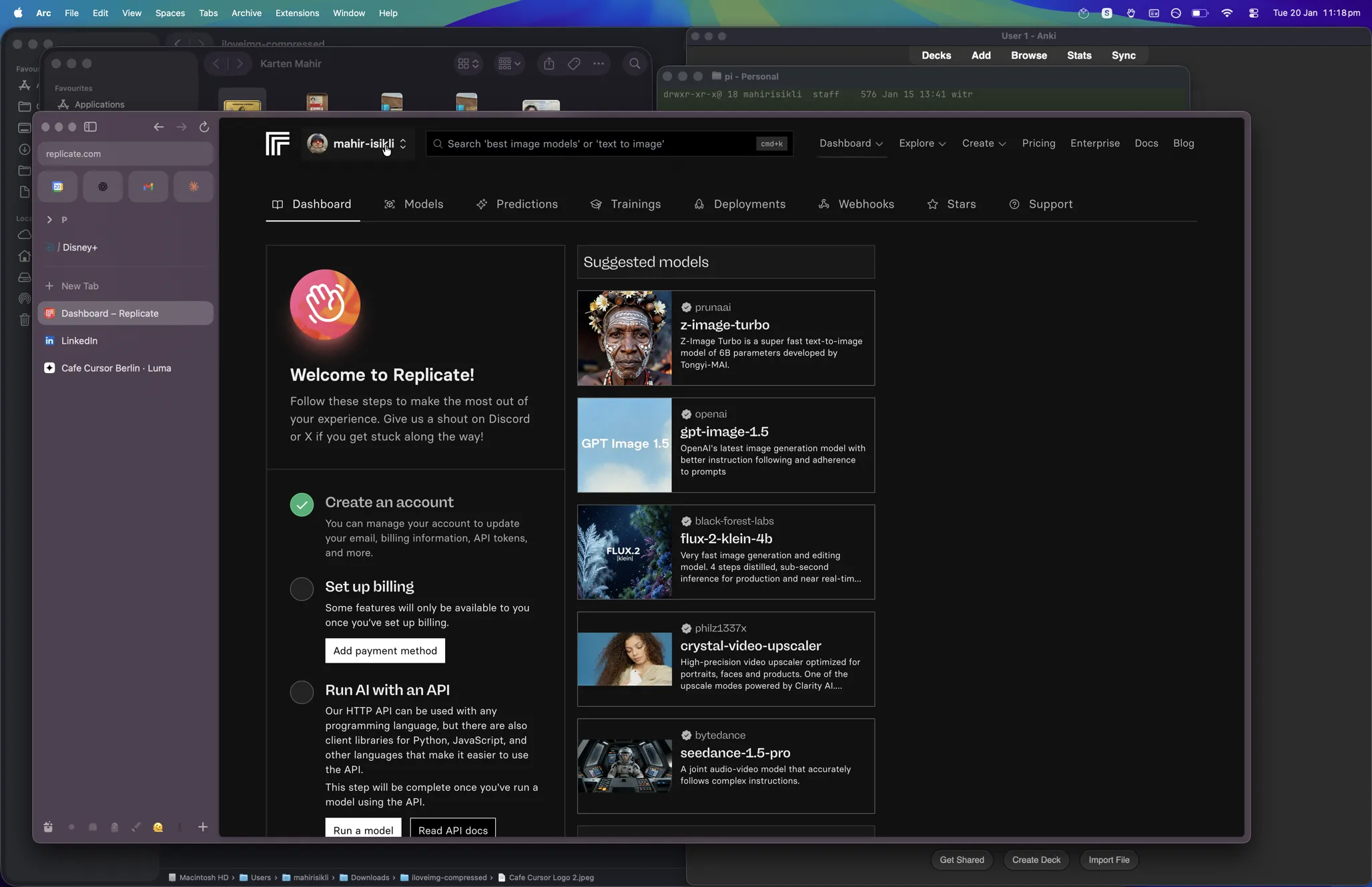
tobi lutke mentioned on acquired (goated podcast btw) that he's been screenshotting his screen for 15 years. the man runs shopify and still can't trust his own memory. so i rebuilt it. it's been stupidly useful. named after the nolan film — you shouldn't need tattoos to remember what you did yesterday.
how to use
commands
memento search "query"
search everything — OCR text, keystrokes, window titles
memento timeline --from "2 days ago"
browse what you did, hour by hour
memento search "error" --from "today"
filter by time range
memento status
check if it's running + stats
memento search "slack" -o json
JSON output for scripts/agents
FAQ
it's spyware for yourself. everything stays in
~/.memento. no servers, no accounts, no "we value your privacy" bullshit. optional R2 backup if you want, but that's YOUR cloudflare account.
screen recording + accessibility. yes it sounds scary. yes you need it. system settings → privacy & security. you'll survive.
memento search "that error message" — searches OCR text and keystrokes. finds the thing you swore you'd remember but didn't.
memento pause for quick breaks. edit ~/.memento/config.json to permanently skip apps. yes, exclude 1Password. we're not stupid.
memento uninstall — kills the daemon, removes itself, asks if you want to delete your data. clean exit. no hard feelings.